Images, rows, grids and video
For equal-width cells across several rows, use :::grid{columns=2}. See
Lists, numbered checklists and grids
for a complete evaluation brief, supported column counts and grouped cells.
Rows and video
A :::row block lays images side by side, one cell per image. Insert one
with Row in the / menu. Each caption is the image's title, or its alt
text when it has no title.



Cells share one height, and each cell's width follows its image's aspect
ratio. Add {width=… height=…} right after an image (pixels, no space) to
size its cell before the image loads.



In a memo narrower than 480px, the cells stack. This is a 320px memo at half size:
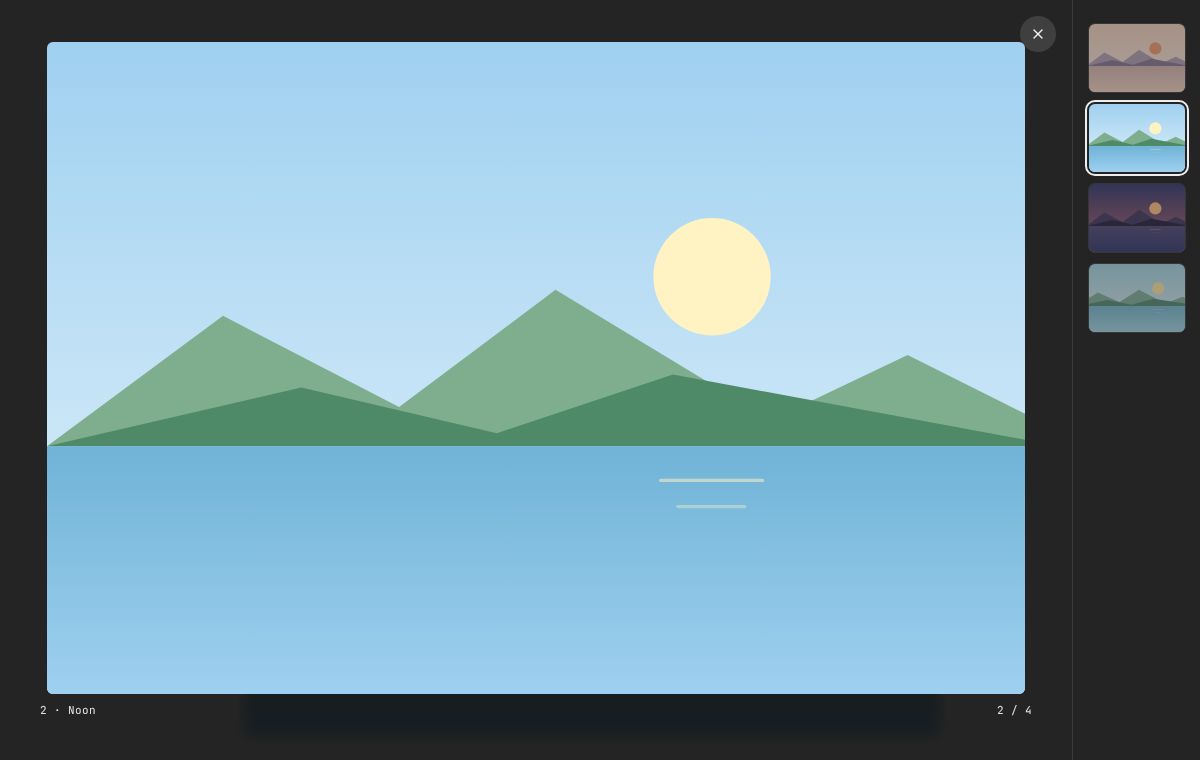
Click a row image to open it in the image viewer. The rail lists the row's images with the rest of the memo's.
- Any other block in a row (a paragraph, a list, a
:video[…]) is one cell. To put several blocks in one cell, wrap them in:::col…:::and give the row more colons (::::row…::::). - To edit a row's Markdown, click a caption or the space around the cells, Alt+click an image, or move the caret onto the row.
- Rows work only at the top level. Inside a list, quote or code, the fences stay text. An unclosed or malformed row shows as its source. Other Markdown viewers show the fences as text. The Markdown export and the Memos API keep the source exactly.
The retired <Columns> / <ColumnBreak> layout still renders, as a row of
two cells, but menus no longer offer it. Write :::row for new content.
For video, put a direct HTTPS media URL and title in a standalone directive:
Use Video in the / insertion menu for a template.
Videos have native playback controls, do not autoplay and initialize near the
viewport. A title and source link remain available if playback fails. Entering
source mode pauses playback; returning to preview can reset it. Use captioned
media or add a transcript for speech. This increment does not provide captions,
private attachment streaming or arbitrary video-site embeds. Media URLs are
used as supplied; share public media bearer URLs only with their intended
audience. Print/PDF output contains the video title and link.